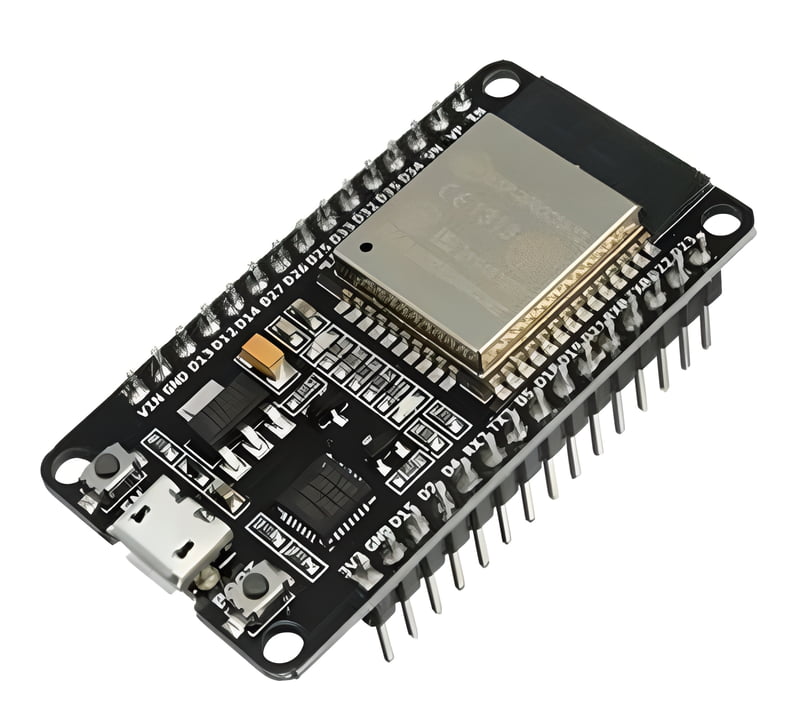
In recent years, smart farming has gained immense popularity, especially with the integration of IoT (Internet of Things) solutions. Today, we'll explore how Zoho IoT, combined with the powerful ESP32 microcontroller and a soil moisture sensor, can help you take control of your garden, farm, or any agricultural project.
Why IoT in Agriculture?
Agriculture is no longer limited to traditional methods. With the rise of IoT, you can now automate and remotely monitor various aspects of farming. This helps to improve efficiency, conserve resources, and ensure better crop health. Soil moisture monitoring is one of the critical components of smart farming, as it directly impacts crop yield, water usage, and overall plant health.
Setting Up Zoho IoT with ESP32 and Soil Moisture Sensor:
1. Hardware You’ll Need:
- Wi-Fi connectivity
- ESP 32 Board
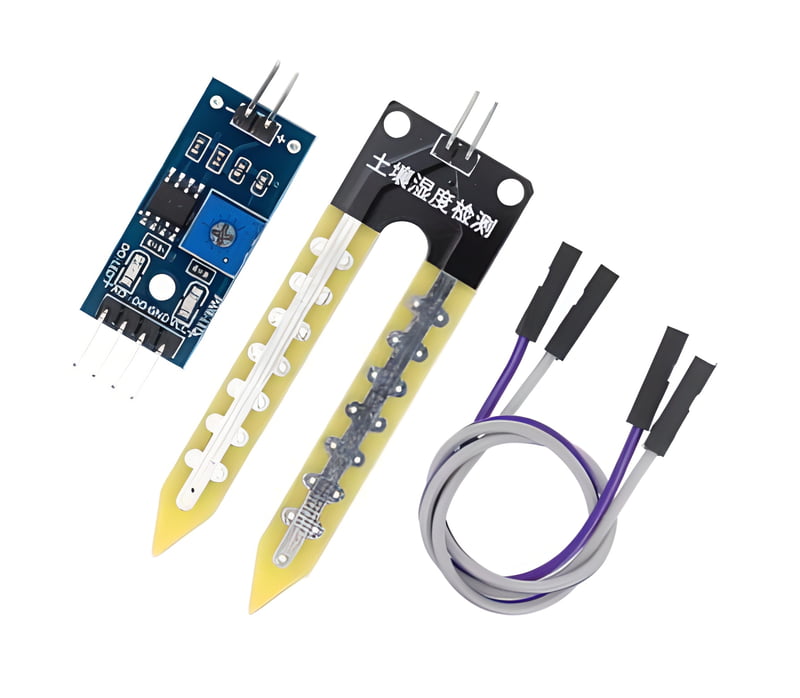
- Soil Moisture Sensor
- Jumper wires (Female to Female)
2. Connecting the Components:
- Connect the soil moisture sensor's VCC pin to the 3.3V pin of the ESP32.
- Connect the GND pin of the sensor to the GND of the ESP32.
- Connect the signal output of the soil moisture sensor to D34 of the Digital input pins of the ESP32.
- Connect the soil moisture sensor's VCC pin to the 3.3V pin of the ESP32.
- Connect the GND pin of the sensor to the GND of the ESP32.
- Connect the signal output of the soil moisture sensor to D34 of the Digital input pins of the ESP32.
3. Setting Up Zoho IoT:
Follow the step-by-step guide below for setting up Zoho IoT.
Follow the step-by-step guide below for setting up Zoho IoT.
Source: Zoho Help Center
4. Libraries Required for the Project:
Before you begin coding, make sure the following libraries are installed in your Arduino IDE:
- ArduinoJson
- ESP32MQTTClient
- PubSubClient
Before you begin coding, make sure the following libraries are installed in your Arduino IDE:
- ArduinoJson
- ESP32MQTTClient
- PubSubClient